
Healthy screen time isn’t about chasing a perfect daily total. It’s about protecting sleep, supporting learning, and keeping movement and relationships at the center of everyday life. The best screen-time plans feel predictable (so there’s less negotiating), flexible enough for real life (school projects, travel, work deadlines), and clear about what matters most: rest, health, and connection.
If you want a ready-to-use framework with routines and guardrails you can actually stick with, explore A Smart Guide to Healthy Screen Time by Age: Balanced Screen Time Tips for Every Stage of Life.
For a practical planning tool, the American Academy of Pediatrics offers a helpful resource: Family Media Plan.
Use the suggestions below as a starting point, then adjust based on temperament, school demands, and sleep needs. Consistency usually wins: keep the same core rules on weekdays, with small flexibility on weekends.
| Age | Suggested approach | Best uses | Key guardrails |
|---|---|---|---|
| 0–18 months | Avoid solo screen time | Video chat with family | No background TV; protect naps/sleep |
| 18–24 months | Limited, co-viewed | Simple songs, naming games | Adult present; short sessions |
| 2–5 years | Short, scheduled blocks | Educational shows, creative apps | Co-view when possible; no screens during meals |
| 6–12 years | Rules tied to responsibilities | Homework tools, skill-building, hobbies | Tech-free bedtime routine; content boundaries |
| 13–17 years | Collaborative limits | Creation, learning, healthy social use | Nighttime cutoff; privacy + safety checks |
| 18+ adults | Intentional blocks | Work, learning, communication | Notification control; screen-free recovery time |
| Older adults | Connection + cognition | Telehealth, community, brain games | Ergonomics; eye/neck breaks |
For guidance on movement, sedentary time, and sleep in early childhood, the World Health Organization’s recommendations are a strong reference: WHO guidelines for children under 5.
For a cozy, screen-free wind-down routine, a comforting bedtime item can help some kids transition. Consider the Adorable Capybara Plush Pillow as part of a “books + cuddle” alternative to evening videos.
When screen time drops, energy needs somewhere to go. Supporting outdoor play can make limits feel less like punishment. Comfortable shoes for walking, sports, or family outings can help keep movement easy—like Nike Women’s Fuchsia Slip-On Lace-Up Sneakers for active days.
Sleep is often the first thing screens steal. The American Academy of Sleep Medicine’s recommendations are a useful benchmark for age-appropriate sleep: Healthy sleep recommendations.
If you want a structured plan that’s easy to share with caregivers and revisit over time, A Smart Guide to Healthy Screen Time by Age can help you set expectations once—and spend less energy renegotiating every day.
It’s too much when it consistently disrupts sleep, triggers frequent battles or irritability when stopping, replaces physical activity, or interferes with learning and relationships. Start with age-based limits, then adjust based on how your child sleeps, behaves, and functions day to day.
Screens before bed often delay sleep by keeping the brain alert and exposing eyes to bright light. A consistent cutoff time and device-free bedrooms usually improve sleep quality within a week or two.
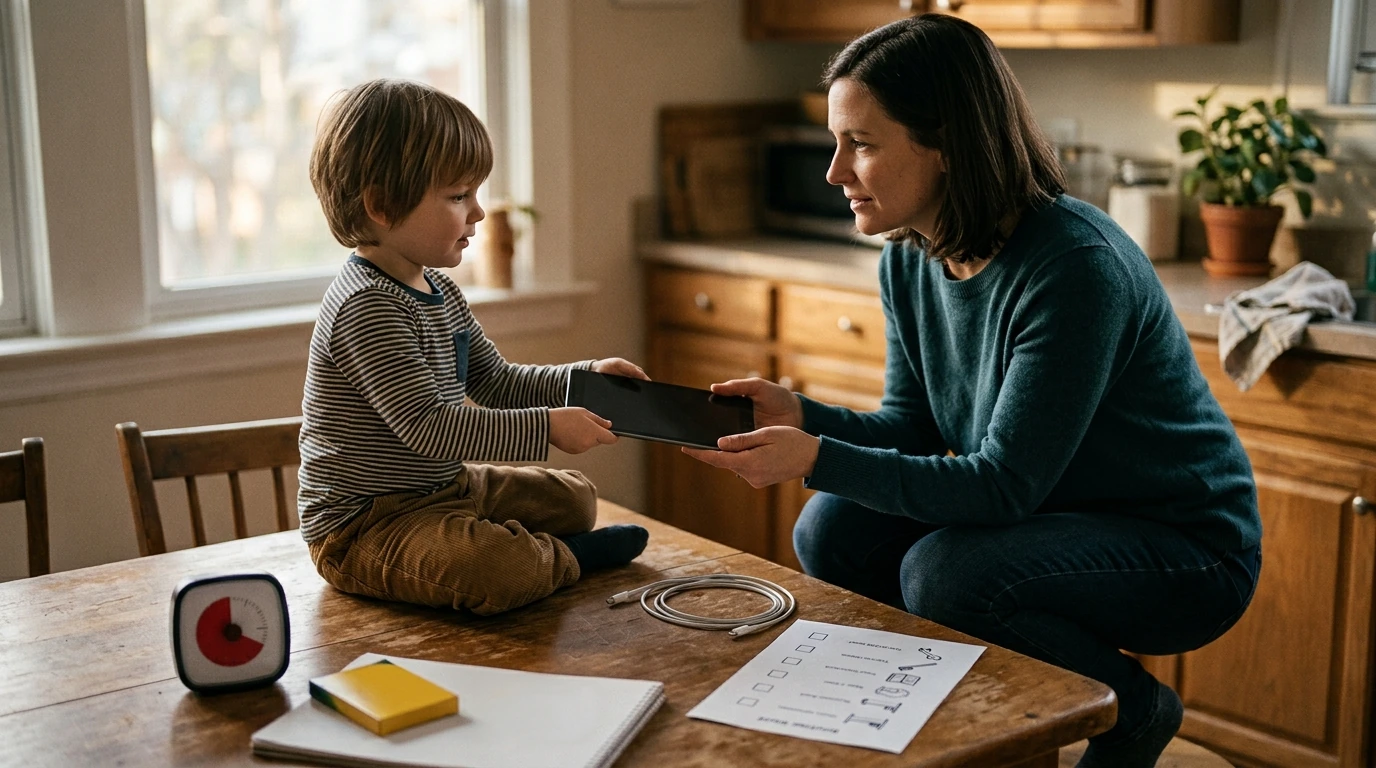
Use predictable schedules, timers, and clear “what’s next” transitions so the stop point isn’t a surprise. Offer appealing replacements (outdoor play, crafts, audiobooks) and model the same boundaries with your own devices.





Leave a comment