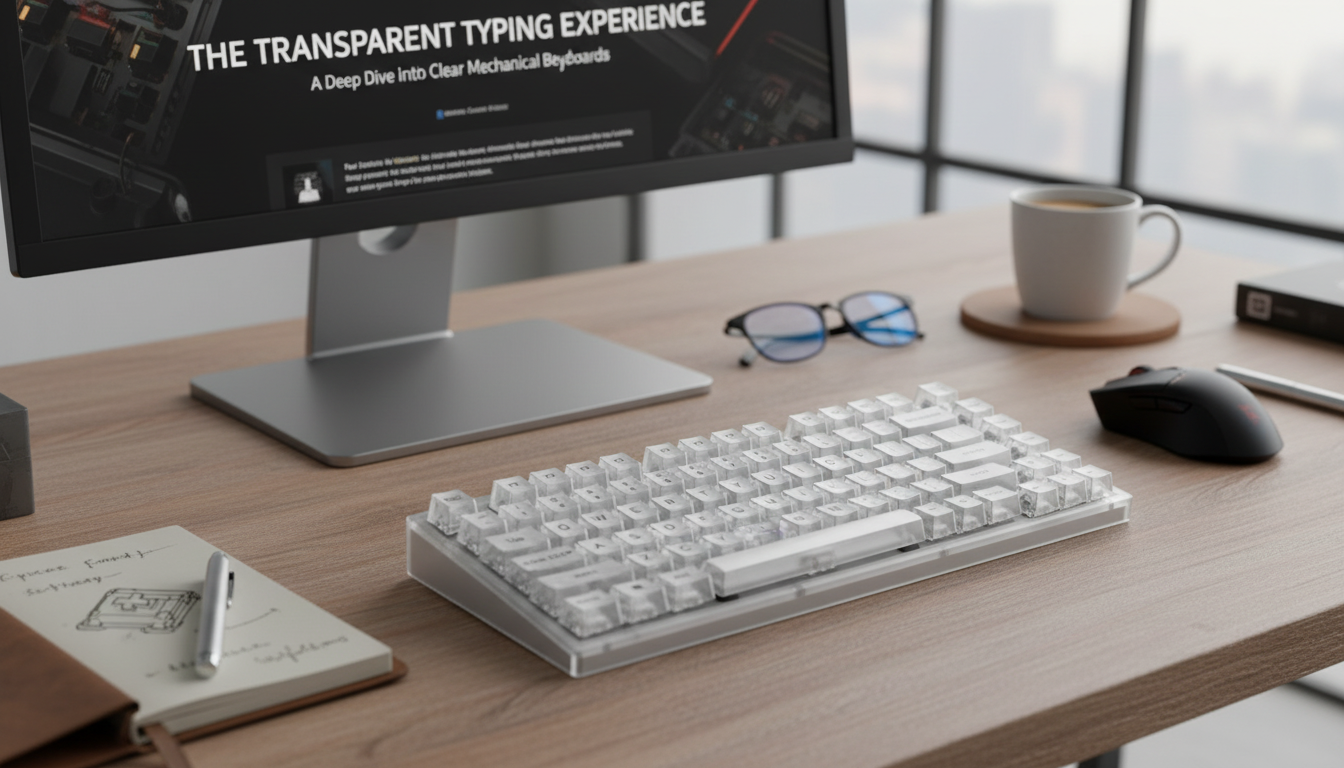
A compact mechanical keyboard can free up desk space, speed up in-game inputs, and still feel great for daily typing. This 82-key wireless model pairs a streamlined layout with transparent keycaps for a bright, modern look that complements RGB lighting and clean desk setups. If your current board feels oversized or your mouse hand constantly runs out of room, moving to an 82-key layout can be one of the simplest upgrades for comfort and control.
An 82-key layout is a “best of both worlds” option: smaller than a full-size keyboard, but still built for real daily use. It trims excess width while keeping the keys most people rely on, which helps the keyboard feel familiar from day one.
That extra mouse space isn’t just “nice to have.” For FPS and action games, it can translate to smoother tracking and fewer desk-edge collisions. For work, it can mean a tidier setup where the keyboard sits centered and the mouse doesn’t push your shoulder outward all day.
Wireless keyboards aren’t only about aesthetics (although a cable-free desk looks great). The real advantage is flexibility: you can reposition the keyboard for different seating positions, slide it aside to write or draw, or quickly reclaim space when you’re not gaming.
If you’re connecting over Bluetooth, it’s worth knowing that Bluetooth behavior is governed by a defined standard (timing, power states, and profiles), which influences things like reconnection and power usage; details live in the official Bluetooth Core Specification. For wired fallback or charging, cable quality and port behavior also matter, and the USB specifications can help explain why some cables/ports behave differently than expected.
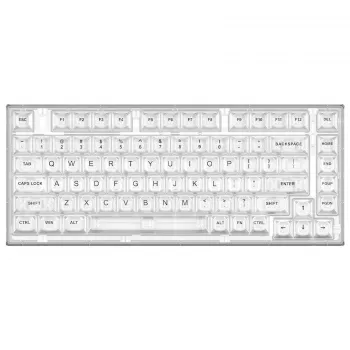
Transparent keycaps change the entire vibe of a keyboard. Instead of light only shining through legends, the caps themselves can glow, making RGB effects look brighter and more uniform across the board.
| Feature | Why it matters | What to look for |
|---|---|---|
| Layout size (82-key) | Desk space and reach to the mouse | Comfortable access to arrows/navigation without extra width |
| Wireless mode | Freedom of placement and cable-free setup | Stable connection and quick wake/reconnect behavior |
| Charging & battery use | Avoid mid-session interruptions | Usable while charging, clear battery indicators |
| Keycaps (transparent) | Lighting diffusion and overall look | Even glow, readable legends, easy-to-clean surface |
| Switch feel & sound | Speed, comfort, and noise level | A feel that matches gaming + typing needs; acceptable volume |
| Stabilizers | Consistency on large keys | Minimal rattle, smooth press on space/enter/shift |
| Build & feet | Long-term durability and angle comfort | Solid chassis, stable feet, non-slip base |
For an extra-clean look, route your charging cable along the back edge of the desk so it’s ready when you need it but not constantly in the way. If you like desktop accessories that match a playful setup, a small piece can add personality without adding clutter—something like the Creative Dice-Shaped Ashtray – Unique Desktop Accessory for Home or Office can fit neatly on a shelf or side table while keeping the main work area clear.
The 82-Key Wireless Mechanical Gaming Keyboard with Transparent Keycaps is built for players and everyday typists who want a compact footprint without giving up practicality. The transparent keycaps create a striking, modern look and naturally enhance RGB lighting, while the wireless design supports cleaner desk layouts and easy repositioning.
They can be if lighting is too bright or if overhead glare hits the key surfaces. Lowering RGB brightness slightly and adjusting room lighting usually improves contrast and comfort, especially during late sessions.
Yes—an 82-key layout saves desk space and increases mouse room while keeping common keys accessible for everyday tasks. Compared to a full-size board, the main tradeoff is fewer dedicated keys, but most users adapt quickly once the layout feels familiar.
Many models support using the keyboard while it charges, often by switching to a wired connection temporarily. Check the product details and keep a compatible cable handy for long gaming sessions or workdays.






Leave a comment