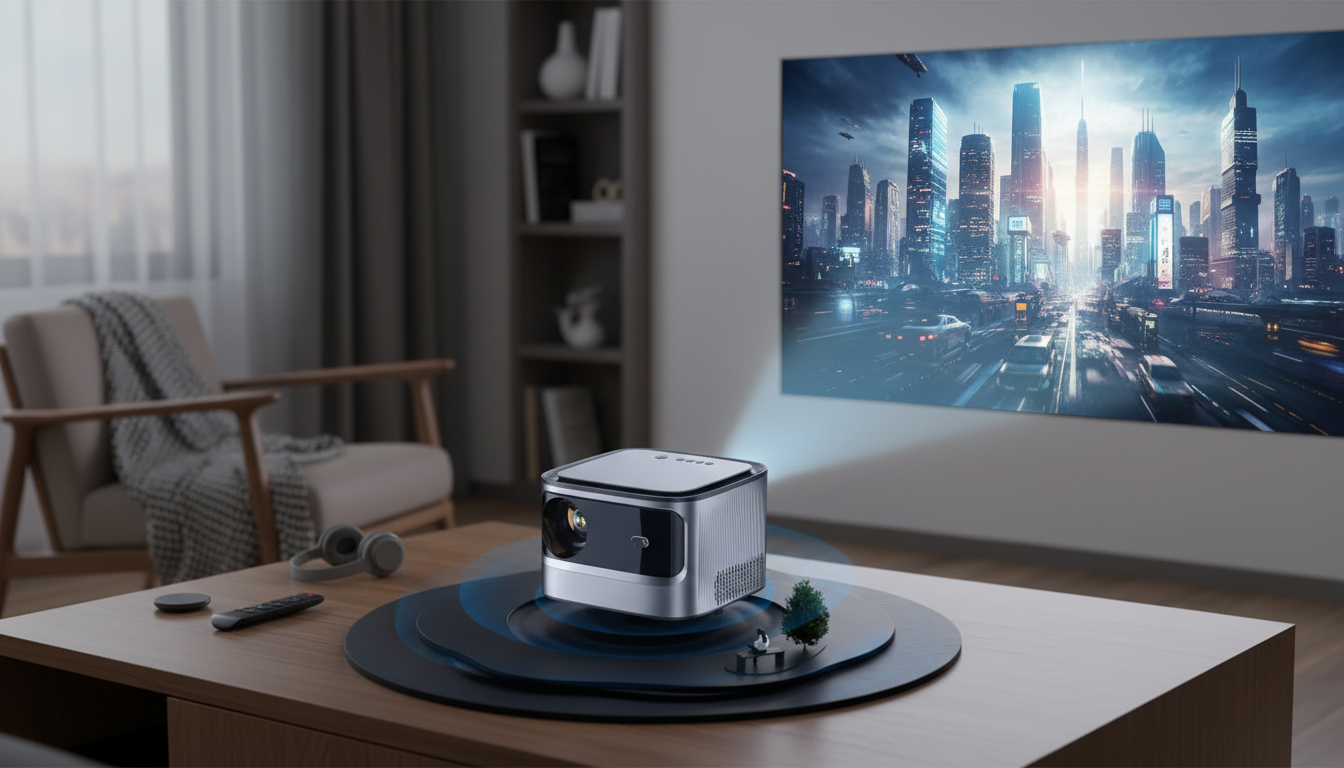
A smart WiFi projector can turn a living room, bedroom, or backyard wall into a movie-ready screen with minimal setup. The features that matter most tend to be practical ones: how clean the image looks at typical seating distances, how quickly the picture snaps into focus, how reliable wireless casting feels on a busy home network, and how easy it is to place the projector so it becomes part of a normal routine rather than a special “project night” event.
Below is a clear, real-world guide to what to expect from a Full HD (1080P) smart projector with auto focus and 4K input support—plus tips to get a sharp image and stable playback day after day.
Full HD (1920×1080) remains a strong sweet spot for home viewing. At common couch-to-screen distances, 1080P can look crisp and detailed—especially for streaming movies, TV series, and sports—without demanding a perfectly dark room the way some ultra-high-resolution setups can.
“4K support” is still a meaningful feature even when the projector’s native output is 1080P. It typically means the projector can accept a 4K signal from modern devices (streaming sticks, game consoles, Blu-ray players) and then scale it down to fit the projector’s resolution. That compatibility can simplify setup and reduce the need to change output settings on each device.
To get the best perceived contrast and color depth, ambient light control matters more than most spec sheets. If the room is bright, the image can look washed out regardless of resolution. For sports and everyday TV, prioritize consistent focus across the entire frame and stable motion over chasing an oversized image that dims the picture.
| Room setup | Suggested screen size range | Lighting tip |
|---|---|---|
| Bedroom / small den | 70–100 in | Use blackout curtains or dim lamps behind seating |
| Living room (evening viewing) | 90–120 in | Aim away from windows; use a neutral wall or screen |
| Basement / dedicated space | 100–150 in | Keep wall/screen clean; reduce reflections with darker decor |
| Backyard movie night | 100–160 in | Start after sunset; use a proper outdoor screen if possible |
If you want a quick estimate for throw distance and screen size, the Projector Central projection calculator is a helpful reference point. For broader performance comparisons and testing methodology, RTINGS projector reviews can also be useful context when shopping.
Auto focus is one of the most quality-of-life-friendly features for everyday use. If the projector gets moved between a bedroom and living room, or pulled out for occasional backyard nights, auto focus can reduce the “fiddle factor” and help the image lock in quickly.
| Item | Details |
|---|---|
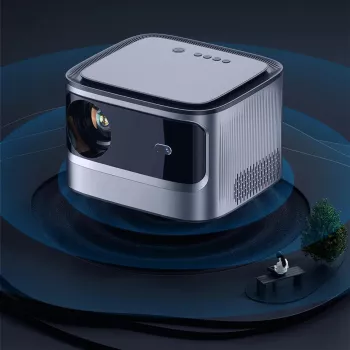
| Product | Full HD 1080P Smart WiFi Projector with Auto Focus & 4K Support for Home Theater |
| Price | 814.80 USD |
| Availability | In stock |
For a living-room or home-office media corner, a small tabletop accessory can help keep the space tidy and intentional. If you want a compact piece for a side table or desktop, consider the Creative Dice-Shaped Ashtray – Unique Desktop Accessory for Home or Office.
No. 4K support typically means it can accept a 4K input signal and then downscale it to the projector’s native 1080P output resolution, so you still get broad device compatibility with a Full HD image.
Auto focus can still sharpen the image, but strong angles and heavy keystone correction may soften edges and corners. For the cleanest results, minimize the tilt, align the projector as squarely as possible, and use mild keystone only when needed.
WiFi is often more convenient, but HDMI is usually more reliable and can reduce buffering and lag. If you notice dropouts, latency, or inconsistent playback over wireless, switching to HDMI is the quickest way to stabilize the connection.




Leave a comment