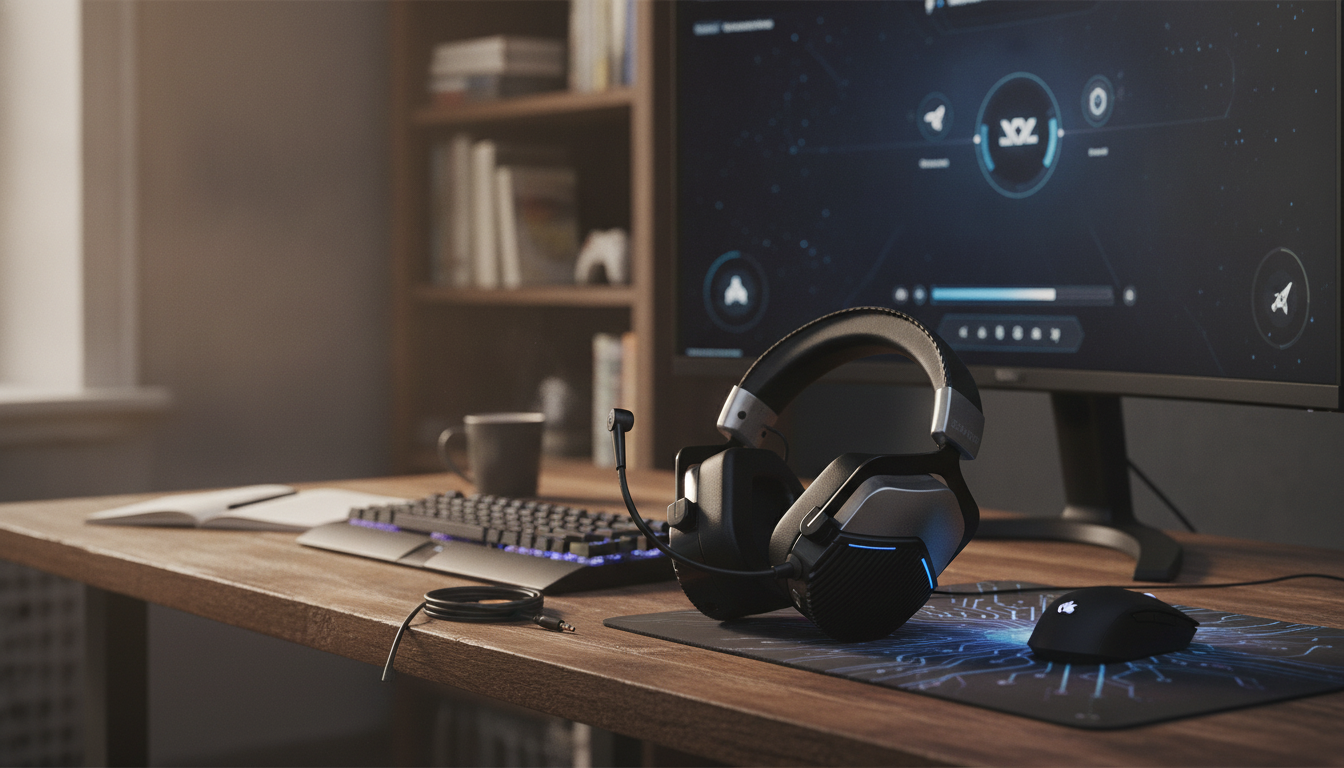
Fast wireless audio changes the feel of a match: footsteps land where they should, ability cues hit on time, and team callouts don’t turn into a delayed echo. A modern 5.8G-style gaming connection (typically via a USB receiver) is built for responsiveness and stability, which is why it’s often preferred over standard Bluetooth for competitive play. For more guidance, see Akko Verge S9 Ultra REVIEW – FPS Optimized – audioreviews.org.
Below is what ultra-low latency actually improves, how noise cancelling and mic quality affect communication, and the everyday details worth checking before buying a wireless headset for PC or console sessions. For further reading, see Towards an Evolved Immersive Experience: Exploring 5G- and ….
Latency is the tiny gap between what happens on-screen and when you hear it. In slower games it’s easy to ignore, but in shooters, fighters, and timing-heavy action titles it can change decisions.
Bluetooth is convenient, but convenience isn’t always the same as consistency. Dedicated gaming wireless (often marketed as 2.4GHz/5.8GHz with a dongle) is generally tuned for stable, low-latency playback and predictable behavior across systems.
Bluetooth performance can vary depending on the device, codec support, and settings. If you’ve ever noticed audio that feels slightly “behind” the action on one device but fine on another, that variability is usually the reason. For an overview of how Bluetooth audio has evolved (and why codecs matter), see the official Bluetooth audio updates page: Bluetooth audio codecs and latency (overview).
| Feature | Dedicated 5.8G-style dongle wireless | Bluetooth (typical) |
|---|---|---|
| Latency feel | Usually lower and more consistent | Varies by codec/device; can be noticeable |
| Best use | Competitive gaming, fast action | Mobile, casual, travel convenience |
| Setup | Plug-in dongle; quick pairing | Device pairing menus; codec dependent |
| Stability | Often tuned for gaming range and interference handling | Can be impacted by crowded wireless environments |
Noise control comes in two layers. Active noise cancelling (ANC) reduces steady background sounds like fans, AC, and the constant hum of a PC. Passive isolation (the earcup seal) blocks voices and sudden household noise more effectively than ANC alone.
For safer long-session listening habits, especially when trying to “hear everything,” this guidance is useful: Hearing health and safe listening (NIOSH).
For multiplayer, the mic is half the headset. A mic that keeps speech crisp makes ranked sessions less chaotic and reduces the need to repeat short, time-sensitive info.
The Wireless Gaming Headset 5.8G Ultra-Low Latency Noise Cancelling with Mic is built around responsive wireless play, with a 5.8G connection focus intended to keep action audio feeling immediate. It also includes noise cancelling to help reduce steady room noise and a built-in mic aimed at clearer team communication.
| Item | Details |
|---|---|
| Product | Wireless Gaming Headset 5.8G Ultra-Low Latency Noise Cancelling with Mic |
| Price | 72.95 USD |
| Availability | In stock |
| Best for | Wireless gaming + chat in louder environments |
| Product page | View product |
Dedicated gaming wireless via a receiver is usually more consistent and responsive, especially in fast-paced titles. Bluetooth can be convenient, but latency varies by device and codec and may feel delayed in competitive play.
It can reduce steady background noise (like fans or AC), making details easier to hear at lower volume. It won’t fix a game’s audio mix on its own, so isolation and in-game sound settings still matter.
Place the mic closer to your mouth, make sure the correct input is selected, and avoid speaking so loudly that it clips. Using mute and sidetone/monitoring (if available) also helps keep speech consistent and understandable.






Leave a comment