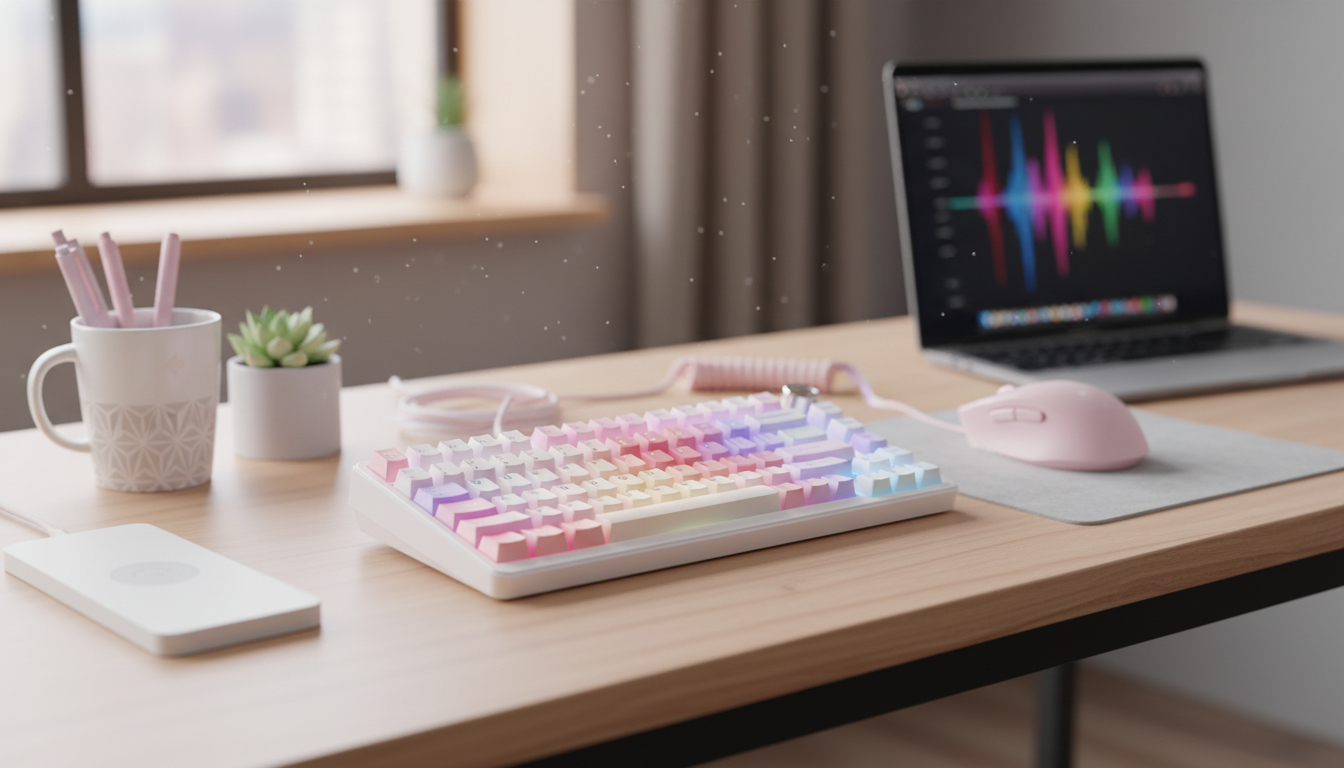
A wireless mechanical gaming keyboard can deliver fast inputs, satisfying switch feel, and a cleaner desk setup—without sacrificing reliability. The right pick comes down to connection quality, switch type, layout, battery habits, and the features that matter most for the games and work done every day.
Gaming exposes the weak spots of wireless gear fast—missed inputs, inconsistent feel, and unstable connections are hard to ignore. A strong wireless mechanical keyboard focuses on responsiveness first, then backs it up with durability and a battery plan that fits real routines.
Wireless performance isn’t one-size-fits-all. The best mode depends on whether the priority is peak response (2.4 GHz), quick device switching (Bluetooth), or guaranteed stability (wired).
| Mode | Best for | Trade-offs |
|---|---|---|
| 2.4 GHz receiver | Competitive play, consistent response | Uses a USB port; receiver can be misplaced |
| Bluetooth | Multi-device, portability | Can be more sensitive to interference; may be slower on some setups |
| Wired | Charging, guaranteed stability | Cable management; less desk flexibility |
For deeper technical references, the Bluetooth Core Specification overview explains how Bluetooth evolves across versions, and the USB HID class overview covers how keyboards communicate over USB.
The switch type shapes everything: speed, comfort, and how loud the board sounds when the match gets intense. The “best” switch is the one that fits your hands and your room.
Layout is more than preference—it affects mouse space, posture, and whether the keys you use most are where your hands expect them to be.
For a cozy desk vibe that complements bright or pastel gear, a small desktop comfort item like the Adorable Capybara Plush Pillow can double as décor and a soft prop during long sessions.
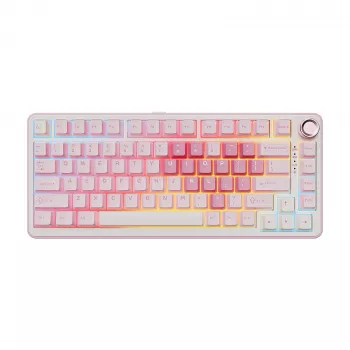
If the goal is a clean, cable-free setup with a bold look, the Pink Wireless Mechanical Gaming Keyboard stands out as a desk centerpiece that still delivers the crisp feel players expect from mechanical switches.
| Item | Details |
|---|---|
| Product | Pink Wireless Mechanical Gaming Keyboard |
| Price | 209.49 USD |
| Availability | In stock |
Planning a bigger upgrade—keyboard, mouse, desk mat, and extras—can be easier with a checklist like Shop Smart, Save Big This Prime Day | What to Buy on Amazon Prime Day Guide | Digital Download Checklist & eBook, especially if you’re trying to time purchases around seasonal sales.
Yes—many wireless mechanical keyboards are excellent for competitive play, especially when using a 2.4 GHz USB receiver. Real-world speed depends on wireless mode, local interference, firmware quality, and keeping the receiver close (front USB port or a short extender).
Bluetooth is great for pairing convenience and switching between multiple devices, while a 2.4 GHz USB receiver typically delivers lower latency and steadier plug-and-play performance for gaming. If the setup supports both, use 2.4 GHz for fast matches and Bluetooth for travel or multi-device work.
Battery life varies widely, but a practical range is several days to multiple weeks depending on RGB brightness, sleep timers, and usage hours. Dimming lighting, enabling auto-sleep, and topping up before long sessions can noticeably extend runtime.




Leave a comment